Getting Started with the Model Context Protocol (MCP)
An introduction to MCP and how to build your first MCP server to connect AI models to your systems.
SmartTechLabs
SmartTechLabs - Intelligent Solutions for IoT, Edge Computing & AI
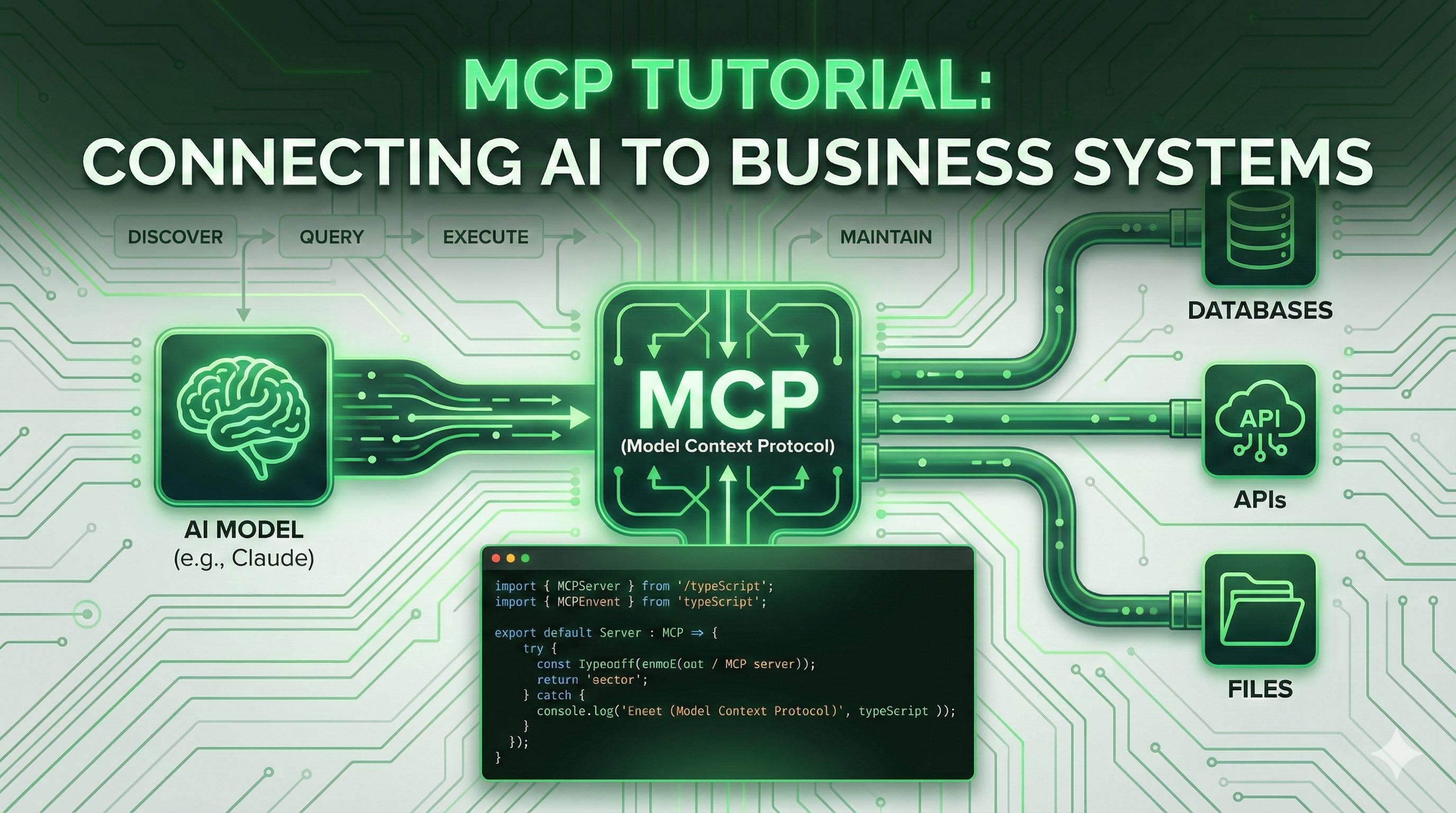
The Model Context Protocol (MCP) is an open standard developed by Anthropic for connecting AI assistants to external data sources and tools. In this guide, we’ll explore what MCP is and how to get started building MCP servers.
Open Standard
What is MCP?
MCP provides a standardized way for AI models to:
| Capability | Description | Example |
|---|---|---|
| Discover | Find available tools and resources | List database tables |
| Query | Access external data sources | Read file contents |
| Execute | Perform actions in external systems | Send notifications |
| Maintain | Keep context across interactions | Session state |
Think of it as an API standard specifically designed for AI-to-system communication.
Core Concepts
flowchart TB
    subgraph Host["MCP Host (Claude)"]
        A[AI Model]
    end

    subgraph Protocol["MCP Layer"]
        B[JSON-RPC Transport]
        C[Schema Validation]
    end

    subgraph Server["MCP Server"]
        D[Resources]
        E[Tools]
        F[Prompts]
    end

    subgraph External["External Systems"]
        G[Databases]
        H[APIs]
        I[Files]
    end

    A <--> B
    B <--> C
    C <--> D & E & F
    D & E & F <--> G & H & I

    style Host fill:#e0f2fe,stroke:#0284c7
    style Protocol fill:#fef3c7,stroke:#d97706
    style Server fill:#dcfce7,stroke:#16a34a
    style External fill:#fce7f3,stroke:#db2777
MCP Components
| Component | Purpose | Examples |
|---|---|---|
| Resources | Data sources AI can query | Database tables, file contents, API responses |
| Tools | Actions AI can execute | Create records, send notifications, trigger workflows |
| Prompts | Pre-defined templates | Structured interaction patterns |
Building Your First MCP Server
Let’s build a simple MCP server in TypeScript that provides access to a list of tasks.
Project Setup
| |
Basic Server Structure
| |
Configuration Files
package.json
| |
tsconfig.json
| |
Build and Run
| |
Connecting to Claude
To use your MCP server with Claude Desktop, add it to your configuration:
| |
Now Claude can list your tasks and create new ones!
Best Practices
Security First
Security Guidelines
| Concern | Recommendation | Priority |
|---|---|---|
| Input Validation | Validate all inputs against schemas | Critical |
| Authentication | Implement proper auth for sensitive operations | Critical |
| Audit Logging | Log all tool executions | High |
| Rate Limiting | Prevent abuse and runaway operations | High |
Performance Guidelines
| Aspect | Recommendation | Benefit |
|---|---|---|
| Caching | Cache frequently accessed resources | Lower latency |
| Pagination | Use pagination for large datasets | Memory efficiency |
| Timeouts | Implement timeouts for long operations | Reliability |
| Batching | Batch related operations | Throughput |
Error Handling
| Practice | Implementation |
|---|---|
| Clear Messages | Provide actionable error descriptions |
| Graceful Handling | Handle edge cases without crashing |
| No Leaks | Don’t expose internal system details |
| Logging | Log errors for debugging |
Integration Possibilities
| Category | Examples | Use Cases |
|---|---|---|
| Databases | PostgreSQL, MongoDB, Redis | Data access, CRUD operations |
| Business Apps | CRM, ERP, Helpdesk | Customer data, workflows |
| Dev Tools | Git, CI/CD, Issue trackers | Development automation |
| Cloud Services | AWS, GCP, Azure | Infrastructure management |
Next Steps
- Identify Use Cases: What data and actions would be valuable for AI access?
- Design Resources: Define the data structures AI should query
- Plan Tools: Determine what actions AI should execute
- Implement Security: Build proper authentication and validation
- Test Thoroughly: Verify behavior with edge cases
- Deploy & Monitor: Track usage and errors in production
Need help building MCP integrations? Contact us to discuss your requirements.
SmartTechLabs
Building Intelligent Solutions: IoT, Edge Computing, AI & LLM Integration
Related Articles
MCP - Extend and Connect
Model Context Protocol MCP (Model Context Protocol) is an open standard for connecting AI models to …
Read moreAI Agents
Autonomous AI Agents AI agents go beyond simple question-answering. They can reason about problems, …
Read moreMLOps
MLOps Services Machine learning in production requires more than just model training. MLOps brings …
Read more